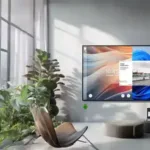
Why Choose Airtame for Wireless Meetings?
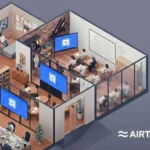
Airtame devices are designed to enhance the wireless meeting experience by providing seamless connectivity and ease of use. With features like one-click casting and compatibility with various operating systems, Airtame eliminates the hassle of traditional presentation setups.
In addition to their user-friendly interface, Airtame products support multiple platforms, including Zoom and Microsoft Teams, making them ideal for hybrid work environments. This versatility allows both in-room and remote participants to collaborate effectively, ensuring everyone can contribute without technical difficulties.
Key Features of Airtame Devices
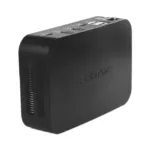
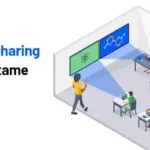
Airtame devices come equipped with a range of features that cater to modern business needs. These include high-definition video streaming, wireless screen sharing, and the ability to connect multiple devices simultaneously, enhancing productivity during meetings.
Moreover, Airtame's integration with digital signage capabilities allows businesses to display important information or branding when not in use for meetings. This dual functionality makes Airtame a valuable investment for any organization looking to improve their communication tools.
Customer Support and Warranty Information
DynamicCom is committed to providing exceptional customer support for all Airtame products. With a warranty included with each purchase, customers can feel confident in their investment and rely on our support team for any inquiries or technical issues.
In addition to warranty coverage, we offer RMA swap-out support to ensure minimal disruption to your business operations. Our dedicated team is available to assist with troubleshooting and provide solutions promptly, making your experience with Airtame as smooth as possible.
How to Integrate Airtame into Your Workspace
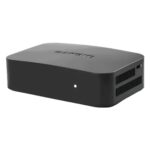
Integrating Airtame devices into your workspace is a straightforward process that can significantly enhance your meeting experience. Simply connect the Airtame device to your display and follow the easy setup instructions provided in the user manual or online resources.
Once set up, users can wirelessly share their screens from laptops, tablets, or smartphones. This flexibility not only streamlines the presentation process but also encourages collaboration among team members, regardless of their location.